The r666 App puts your full casino and sports betting account in your pocket. Play slots, back your cricket team, top up with bKash in under two minutes — all from one lightweight APK that runs on most Android phones sold in Bangladesh.
- No malware — scanned on upload
- Android 8.0+
- SSL Encrypted
- 18+ Only
Safe to Install – Here's What the App Accesses
The r666 App requests only the permissions it needs. You stay in control of your device at all times.
No Hidden Data Collection
The r666 App does not access your contacts, photos, microphone, or location. It connects only to r666 servers over an encrypted HTTPS channel. Your personal details are protected under the same security layer as the desktop site. No third-party SDKs harvest your behaviour outside the app.
Internet Access Only
The only device permission the app requires is internet access. This covers game streaming, live odds updates, bKash/Nagad payment handoffs, and customer chat. Storage permission is requested only when you choose to save a receipt or document for KYC. You can deny storage and the app still works fully.
APK Verified Before Each Release
Every build of the r666 App is scanned for malware before it is published on this page. The APK is signed with a consistent developer certificate, so your phone will warn you if a file from another source tries to impersonate the r666 App. Only download from r666.guru — not third-party APK mirror sites.
Your Account, Your Control
Log in with your existing r666 username and password. The app does not store your password on the device. If you lose your phone, your funds remain safe — just log in from another device or contact [email protected]. Enable two-step verification in Account Settings for an extra layer of protection.
Version Details & System Requirements
Check these before you install. If your phone meets the requirements, the r666 App will run smoothly on 2G/3G and 4G connections alike.
Get the r666 App Now
Direct APK download — no Play Store needed. Free for all Android users in Bangladesh.
Download r666.apkNo account yet? Register here before you log in. Already have one? Log in after install.
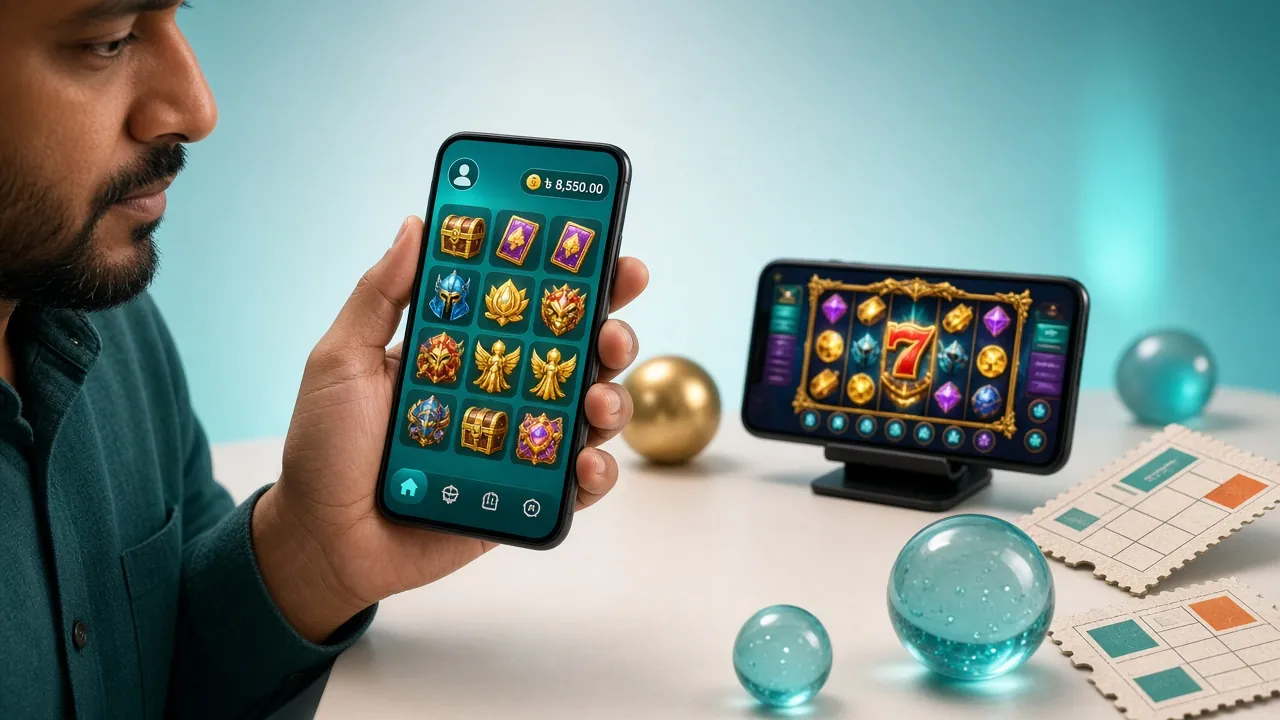
What You Can Do Inside the r666 App
Everything on the desktop site is available in the app — same account balance, same bonuses, same live chat support. Here is a quick look at the main sections.
Slots & RNG Games
Spin Treasures of Aztec, Piggy Gold, Dragon Hatch and more than five thousand titles from Pragmatic Play, PG Soft, and KA Gaming. Filter by provider, RTP, or bet size to find your game quickly. Minimum bet from ৳1.
Live Casino Tables
Join live-streamed Blackjack, European Roulette, and Baccarat tables hosted by real dealers. HD video adapts to your connection speed. Bet from ৳1 and chat with the dealer directly. Powered by Pragmatic Play and KA Gaming live studios.
Cricket & Sports Betting
Follow BPL, IPL, T20 World Cup and international ODI fixtures with live odds. Place 1X2, over/under, and in-play bets while watching the match. Deposits via bKash settle in roughly two minutes so you never miss a good line.
Crash & Fast Games
Aviator-style crash games let you cash out before the multiplier flies away. Rounds last under thirty seconds — ideal for short sessions between overs. Set your auto cash-out target and let the app handle it while you watch the feed.
Deposits & Withdrawals
Top up with bKash, Nagad, Rocket, or Bank Transfer inside the app. The minimum deposit is ৳100 and funds arrive in about two minutes. Withdrawals from ৳900 process within fifteen minutes once your KYC documents are verified.
Live Chat Support
Tap the chat bubble any time for instant help from the r666 support team — available every hour of every day. Response times inside the app are typically faster than email because agents are assigned to mobile sessions first.

Treasures of Aztec
Pragmatic Play · RTP 97.4%

European Roulette
Pragmatic Play · RTP 96.9%
Browse the full game list on the r666 Casino page.
How to Install the r666 App on Android
The r666 App is an APK file, not a Play Store listing. Android blocks unknown-source installs by default — follow these five steps to get it running in a few minutes.
-
1
Allow Installation from Unknown Sources
Open Settings → Apps & Notifications → Special App Access → Install Unknown Apps (exact path varies by Android version). Find your browser — Chrome or Firefox — and toggle Allow from this source to ON. This one-time change lets your phone accept APK files you download directly from trusted sites like r666.guru. You can turn it off again after installing.
-
2
Download r666.apk to Your Phone
Tap the Download APK – Free button on this page. Your browser will save r666.apk (28 MB) to the Downloads folder. If your connection is slow, leave the screen on while it downloads — the file is small enough to finish in under a minute on a standard Grameenphone or Robi 4G connection in Dhaka.
-
3
Open the File and Accept the Install Prompt
Pull down the notification shade and tap r666.apk – download complete, or open your Files app, go to Downloads, and tap the file. Android will show an install confirmation screen listing the permissions the app needs. The only runtime permission is internet access. Tap Install and wait about ten seconds for the process to finish.
-
4
Open the r666 App and Log In
Tap Open on the success screen, or find the r666 icon in your app drawer. Enter your username and password on the login screen. If you do not have an account yet, tap Register inside the app — it takes about two minutes to create one. New members receive a 170% first-deposit bonus up to ৳13,000 automatically applied to their first qualifying top-up.
-
5
Make Your First Deposit with bKash or Nagad
Tap Wallet → Deposit in the bottom menu. Select bKash, Nagad, Rocket, or Bank Transfer. Enter the amount (minimum ৳100), confirm on your mobile banking app, and your r666 balance updates in roughly two minutes. You are now ready to play. The first deposit also unlocks your welcome bonus — wagering requirement is 7× on the bonus amount.
Using an iPhone? Add r666 to Your Home Screen
Apple does not allow APK installation on iOS. Use Safari to pin the r666 website as a Progressive Web App — it behaves like a native app, with a home screen icon and full-screen mode.
-
1
Open Safari and go to r666.guru. The site works on Chrome for iOS too, but only Safari supports the "Add to Home Screen" shortcut that creates a true full-screen shortcut.
-
2
Tap the Share icon (the box with an upward arrow at the bottom of the screen). Scroll down the share sheet until you see Add to Home Screen.
-
3
Name the shortcut "r666" and tap Add. The r666 icon appears on your home screen and launches the site in full-screen mode — no browser address bar visible.
-
4
Log in or register from the shortcut. All features — deposits via bKash/Nagad (web payment page), live casino, sports betting — are accessible through the mobile-optimised site, the same as the Android app.
App vs Browser – Which Should You Use?
Both the r666 App and the mobile website give you access to the same account. Here is how they differ in day-to-day use.
| Feature | r666 App (APK) | Mobile Browser |
|---|---|---|
| Loading speed on 3G | Faster – cached assets | Slower – full page load each visit |
| Push notifications for odds & bonuses | Yes | No |
| Works without signing in each time | Yes – stays logged in | Depends on browser session |
| Live match streaming | Yes | Yes |
| All payment methods (bKash, Nagad, Rocket) | Yes | Yes |
| Fingerprint / Face unlock login | Yes (Android biometrics) | No |
| Full game library access | Yes – all 5,500 games | Yes – all 5,500 games |
| Auto-update | Manual – re-download APK when new version releases | Always latest version |
| Works on iOS | No (Android only) | Yes – add to home screen |
| Data usage per session | Lower – assets cached locally | Higher – browser reloads resources |
If you are on Android and play regularly, the app is the better choice. iPhone users get almost the same experience through the mobile site. Log in here once your account is set up.
Fix Common Install Problems
Most installation errors have a straightforward fix. Run through this table before contacting support.
| Problem | Likely Cause | Fix |
|---|---|---|
| "Install blocked" message appears | Android's unknown-sources setting is still off for your browser or file manager app. | Go to Settings → Apps → Special App Access → Install Unknown Apps, find the app you used to open the APK (browser or Files), and toggle it ON. Then try installing again from your Downloads folder. |
| APK download stops midway | Weak mobile data signal or the browser cancelled the download in the background. | Switch to a stable 4G connection or Wi-Fi. Open a fresh browser tab, return to this page, and tap Download APK again. The file is only 28 MB so a full download takes under a minute on 4G. |
| "App not installed" error after tapping Install | An older or corrupted version of the r666 App is already on the device, conflicting with the new APK signature. | Go to Settings → Apps, find r666, and uninstall it completely. Then re-install the freshly downloaded APK. Your account data is stored on the r666 server, not the phone, so nothing is lost. |
| App opens but shows a blank white screen | The app cannot reach the r666 server — usually a VPN conflict or DNS issue. | Disable any active VPN or proxy app. Restart the r666 App. If the issue persists, clear the app cache: Settings → Apps → r666 → Storage → Clear Cache. This does not log you out. |
| Deposit via bKash fails inside the app | The bKash handoff requires your phone's default browser to complete the payment redirect. | Make sure Chrome or your stock browser is set as the default browser. During the bKash payment, tap "Open with browser" if prompted. Once the payment is confirmed in bKash, return to the r666 App — your balance updates within two minutes. |
Still stuck? The 24/7 live chat inside the app connects you to a support agent in seconds. You can also email [email protected].
Questions About the r666 App
Answers to what players ask most before and after downloading the APK.
Is the r666 App APK safe to install on my phone?
My phone says "Parse error" when I try to open the APK. What does that mean?
Does the r666 App work on a 3G connection in rural Bangladesh?
How do I update the r666 App when a new version is released?
Can I use the same account on both the app and the mobile website?
Does the r666 App have a minimum deposit different from the website?
What should I do if I forget my password after installing the app?
Create Your Account
Register in two minutes and claim the 170% welcome bonus up to ৳13,000 on your first deposit.
Log In to r666
Already a member? Log in to access your balance, bets, and bonuses from any device.
Explore the Casino
See all slots, live tables, crash games, and sports markets available on r666 Casino.